Real 3D mockups,live in Framer.
Drop a screenshot or a video on a real 3D Apple device — iPhone 17 Pro, iPad Pro, Apple Watch Ultra, iMac — orbit the camera, pick a color, and publish it live on your Framer site or export in 4K. No Blender. No Rotato. No After Effects.
Try it right here → switch the device, pick a color, drop your own content.
Featured on









Two minutes, and you get it.
A quick guided tour by May: drop a shot, tweak the scene, ship it. That's the whole loop — the rest is discovering how far you can push it.
Stop exporting. Start designing in 3D.
You design in Framer, then you open another tool — Rotato, Blender, After Effects. Re-import, re-export, every time the mockup changes. Mockiosa ends that loop: the device lives on your canvas, your screenshot is its screen, and the published landing renders the same 3D scene you just posed.
No Blender. No After Effects. All in Framer.
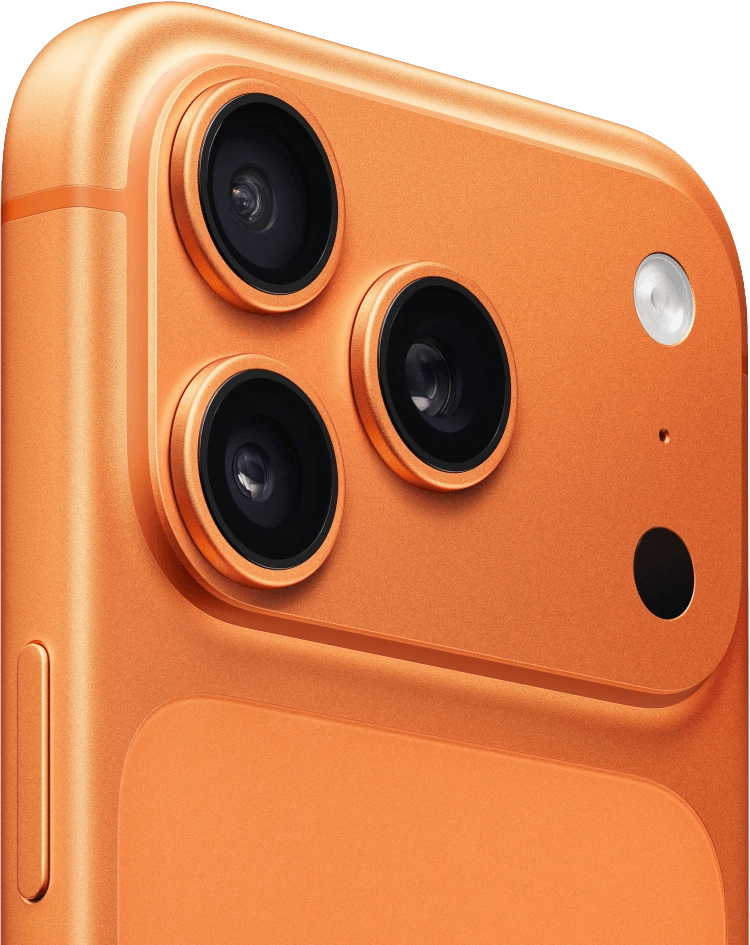
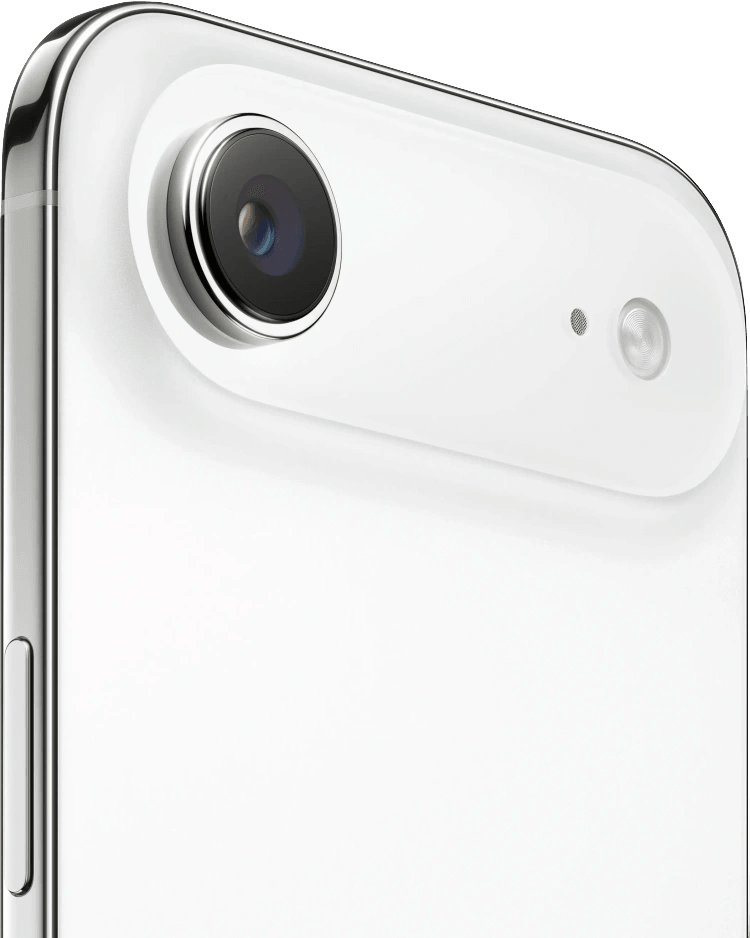
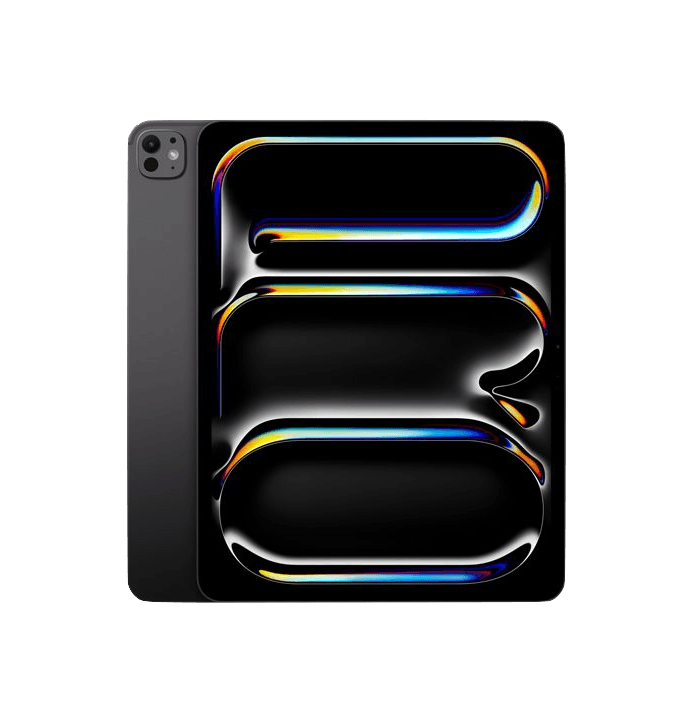
Seven production-grade devices.
Updated as Apple ships.
Every device is a properly modelled GLB with PBR materials, light bake, and a screen mesh ready to receive your texture. Updated as Apple ships.
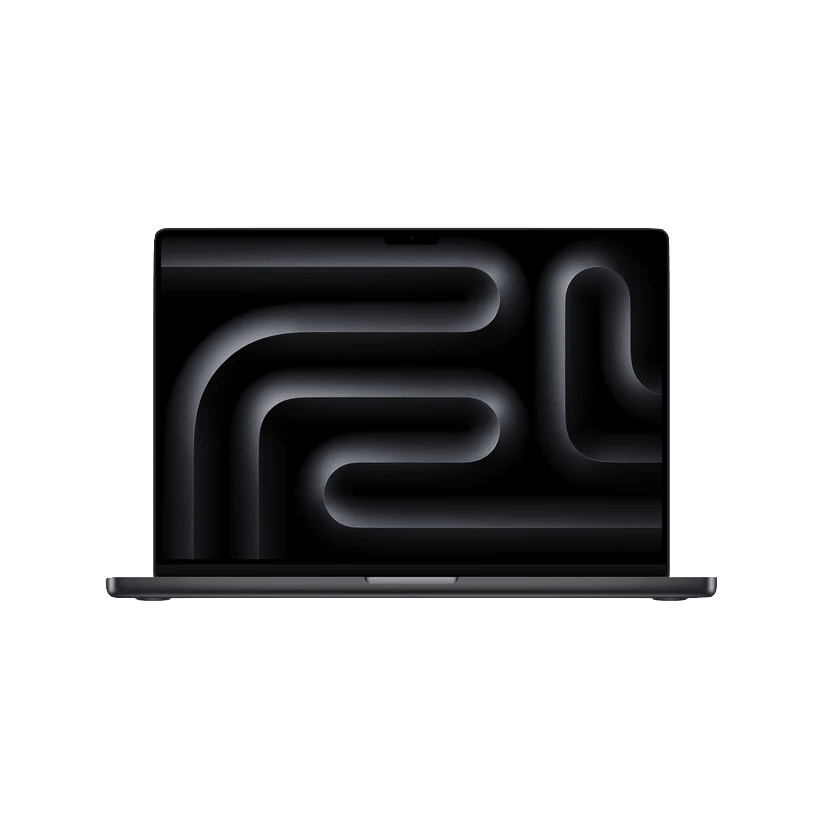
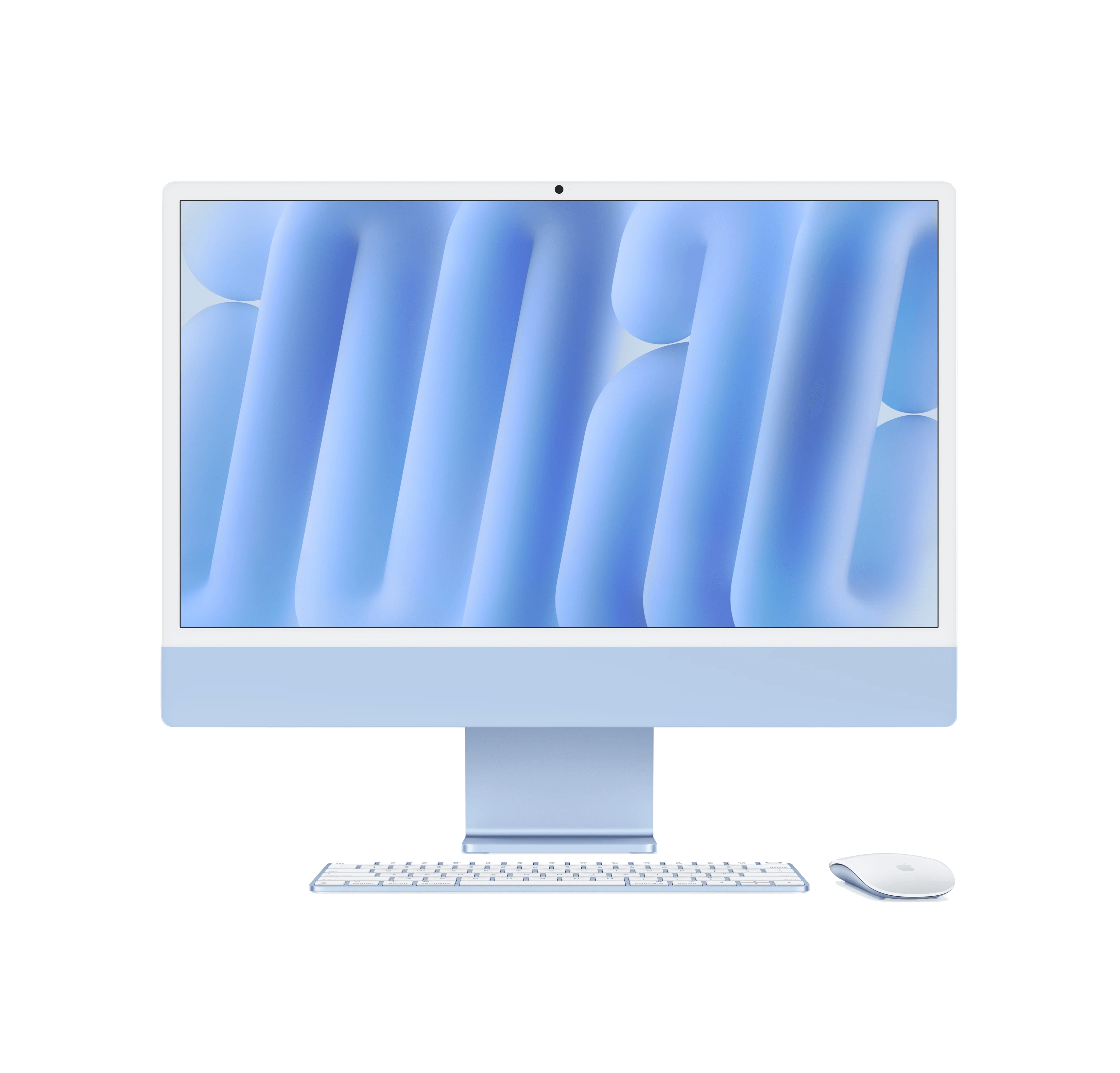
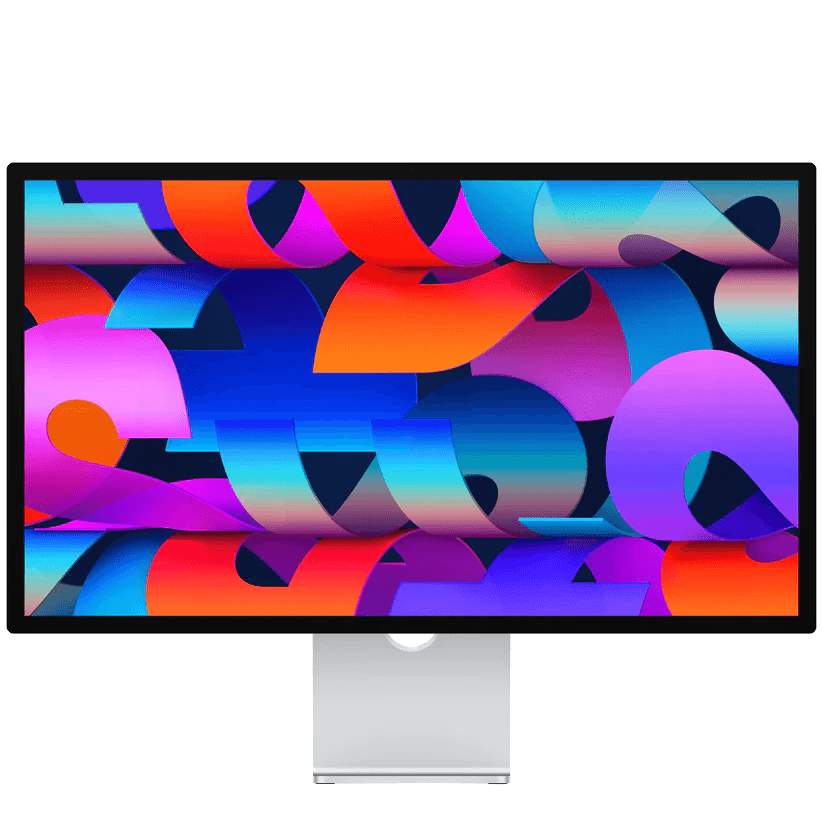
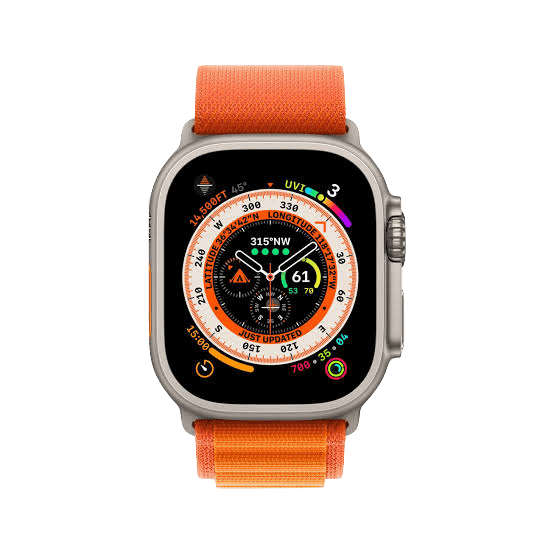
Built for motion.
No Blender required.
The device tracks the visitor’s mouse on your published landing. Page-wide, spring-smoothed.
Free or locked orbit with adjustable speed. Pose the exact angle, or let it drift.
Slow weightless hover — perfect for hero sections that need to breathe.
A Framer code component renders the real scene — interactive — on your published site. No export at all.
Drop an MP4 and the device plays it on screen, looped, synced with your camera motion.
The device gently zooms as the visitor scrolls the page — hero to features handoff, done.
Every detail works for you.
Landscape, one tap
Rotate any phone to landscape from the toolbar. Your screenshot or video is pre-rotated — never stretched — and the orientation is saved and replayed on your published site.
Video scenes that stay sharp
Export video drops a frozen 3D component instead of a heavy file: pin-sharp at any size, 720p to 4K render quality, and only the source clip is stored — the scene itself weighs ~2 KB.
Two libraries, one storage
3D scenes and video scenes live in separate libraries with edit, re-insert and delete. Deleting a scene frees the real bytes — up to 10 GB of cloud storage on Orbit.
Mobile perf switch
One toggle compresses the published scene on touch devices only: render resolution capped at DPR 1.5 and screen textures halved. Desktop visitors keep the full quality.
Presentation pose
Open Light or Texture and the device glides to a fixed three-quarter view — animations pause while you tune, then everything resumes exactly where you left it.
Refresh from Framer
Edited a saved scene in the plugin? Flip the Refresh control on the component in Framer and the live scene reloads instantly. Never rebuild, never re-paste.
A big export forward.
Why Mockiosa.
| Feature | Mockiosa | Rotato | Smart Mockups | Framer 2D |
|---|---|---|---|---|
| Lives inside Framer | — | — | ||
| 3D — real-time, orbit camera | — | — | ||
| Video / animated screens | — | — | ||
| 4K transparent export | — | — | ||
| Embed live 3D scene on published site | — | — | — | |
| No subscription lock-out on landing | Orbit | — | — | — |
| Updates automatically when design changes | — | — |
Pay what fits.
Monthly plans, no lock-in. Cancel any time from the Stripe portal.
- All 7 Apple devices
- Photo mode — 1080p PNG export, no watermark
- Video mode — local MP4 download with custom background
- Video hosting on Mockiosa — optimized for Framer
- Light intensity, screen positioning, zoom & pan
- Drop shadow + shadow distance
- Unlimited photo exports
- 1 GB cloud storage
- Everything in Ground
- Real-time 3D + all animations
- Grab & rotate, auto-rotate, follow-cursor, float, scroll zoom
- Custom animation speed
- 4K PNG export with transparency
- Unlimited exports
- 3D scenes on iPhone only (for now)
- 2 GB cloud storage
- Everything in Float
- 3D scenes on every device (not just iPhone)
- Live 3D embed on your published Framer site
- Capture your live website onto the device screen
- 10 GB cloud storage
Ship today, grow tomorrow.
Your subscription unlocks everything below as it lands — no upgrade fee, no waiting for the next tier.
Drop your mockup into a real scene — desks, studios, cafes — generated on demand.
Pin your live, scrollable website straight on the device screen. Not a screenshot — the real page.
Preset entrance animations + custom timeline (start/end points, replay). Pose the arrival of your device.
Queue a scene across 7 devices at once — one click, all your marketing shots ready.
Answers, before you ask.
Yes — the free tool at /free lets you drop your own screenshots onto real 3D Apple devices right in the browser: orbit them, recolor them, see exactly what you’ll ship. No signup. Then every plan is monthly — cancel anytime from the Stripe portal, no lock-in.
/free is for testing — drop a screenshot on a device and look around. Everything you actually ship happens in the Framer plugin: pose and animate the scene, export a 4K PNG or an MP4, or embed the live 3D on your published site.
Free tools hand you a flat PNG. Mockiosa is real 3D that lives in your Framer canvas and on your published site — change your design and the mockup updates. No export, no re-import, ever.
iPhone 17 Pro, iPhone Air, iPad Pro, MacBook Pro 14", iMac, Studio Display and Apple Watch Ultra — with more on the way.
Yes. Drop an MP4 or MOV and it plays on the device screen, looped and synced with the 3D motion. Mockiosa hosts the video for you, so your Framer site stays light instead of carrying the heavy file.
Orbit users get a Framer code component to drop on the canvas. It renders your saved 3D scene on the published site and re-checks the subscription on each mount (cached 30 minutes). If the plan lapses, it falls back to a watermarked PNG.
That’s the part we’re most proud of: instant poster image, lazy 3D loading, adaptive quality per device and connection. Your Lighthouse score survives — that’s the whole point.
Yes, on every paid plan.
No — that’s the whole point. Mockiosa is real-time 3D right inside Framer: pose the device, add motion, export in a couple of clicks. No Blender, no After Effects, no Rotato, no render farm.
A wink to levitation — our mockups float. A distant cousin of Wingardium Leviosa, except this one only works on your electronics.
It's Mockiosa, not Mockiosaaaaaaa.
The plugin is free to install — try it in demo mode, then go paid when you’re ready. Cancel anytime.